
The Billing Report allows you to view the information about the contract details and payment transactions summary, along with the breakdown by each individual transaction. This section allows the contract client to view the summary details about the contract conditions, such as the contract amount and the term of its validity, and review the summary data about the payments, along with the breakdown information by each payment transaction that is already processed, overdue, or planned for future billing.
Note: This section is available only for users with the Billing Access system role or for the system owner.
Note: This section is available only for contract clients with the Business Suite.
Use the Billing Report to:
- Understand the structure of your contract - the total amount, validity term, and billing frequency.
- Track payments that have already been processed.
- View upcoming payment obligations and their due dates.
- Maintain full transparency over the payment schedule for planning and reconciliation.
To view the report, go to the Account Settings > Billing section and select the “Billing Report” tab.
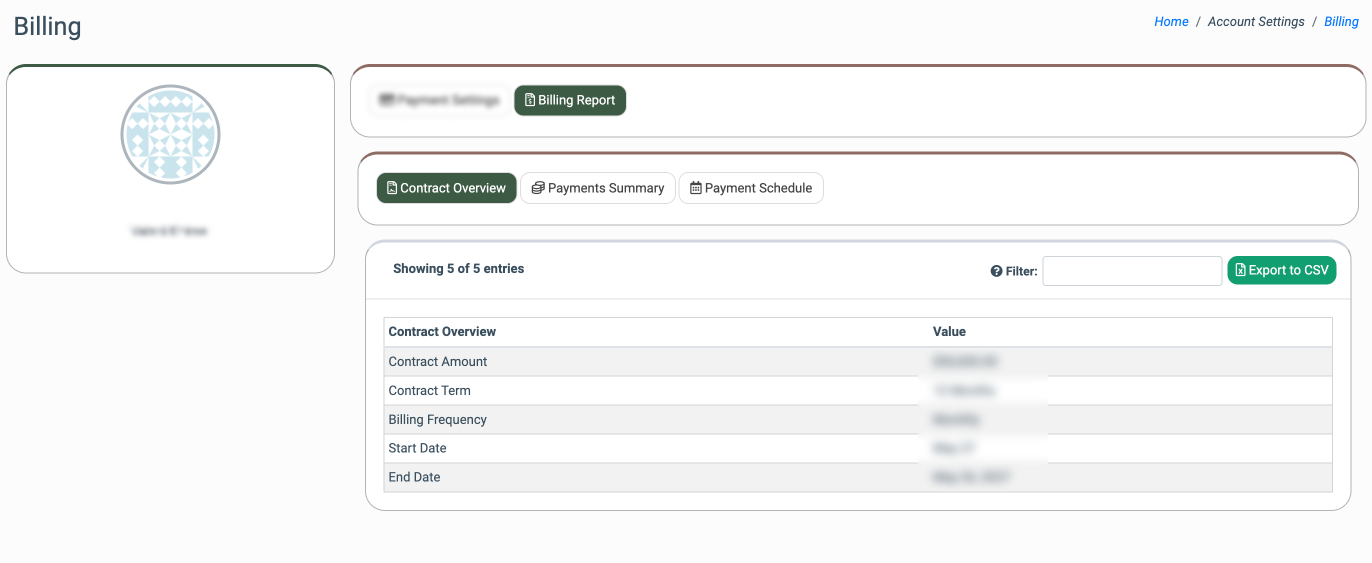
The report contains three tabs:
Contract Overview
The “Contract Overview” tab contains the general information about the contract details, such as the contract amount, the term of the contract validity (the contract start and end dates), and the billing frequency.
You can filter out the information about the contract details by entering the name of the contract condition in the “Filter” field.
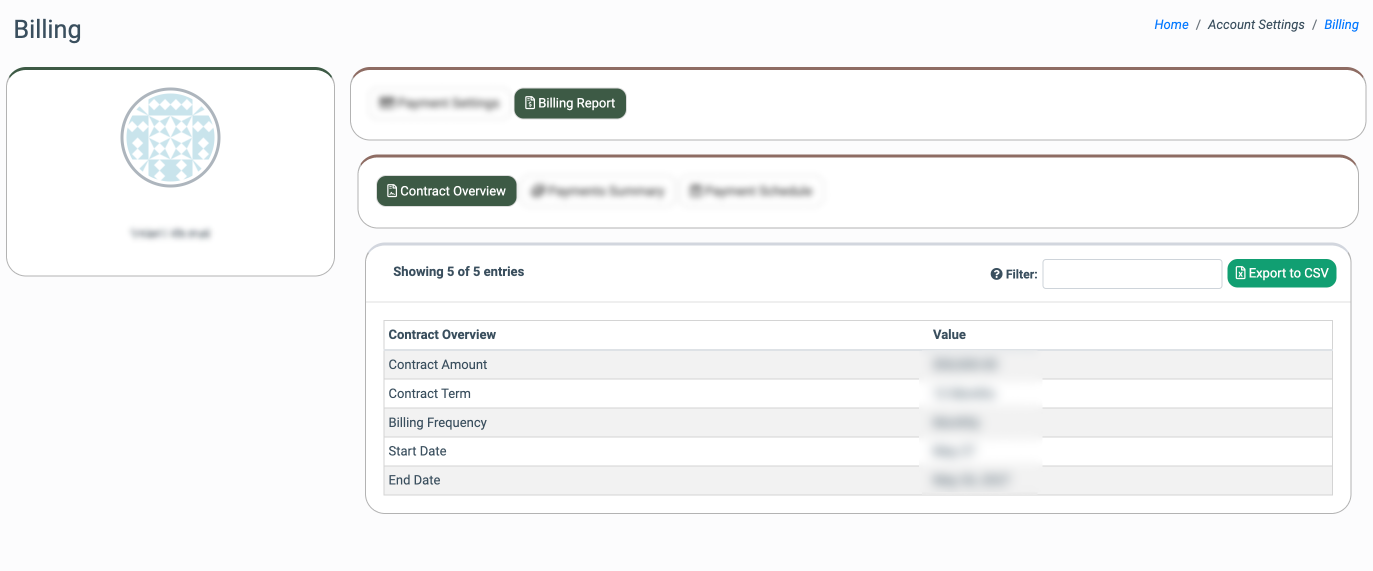
The report contains the following information:
- Contract Overview: The name of the contract condition or information. The following information is available:
- Contract Amount: The amount that is considered for the contract.
- Contract Term: The term on which the contract is signed (the term of the contract validity).
- Billing Frequency: The frequency of the billing operation according to the contract (Monthly, Quarterly, Semiannually, Annually).
- Start Date: The date when the contract is signed, and its validity starts.
- End Date: The date when the contract ends.
- Value: The particular value or the information about the contract condition.
To export the contract details and conditions to a CSV file, click the “Export to CSV” button.
Payments Summary
The “Payments Summary” tab contains the summary information about the processed payments, such as the total number of considered payments, along with the numbers of completed and remaining payment transactions, the total amount that was already paid, as well as the amount of the remaining balance.
You can filter out the information about the summary payment details by entering the name of the metric in the “Filter” field.
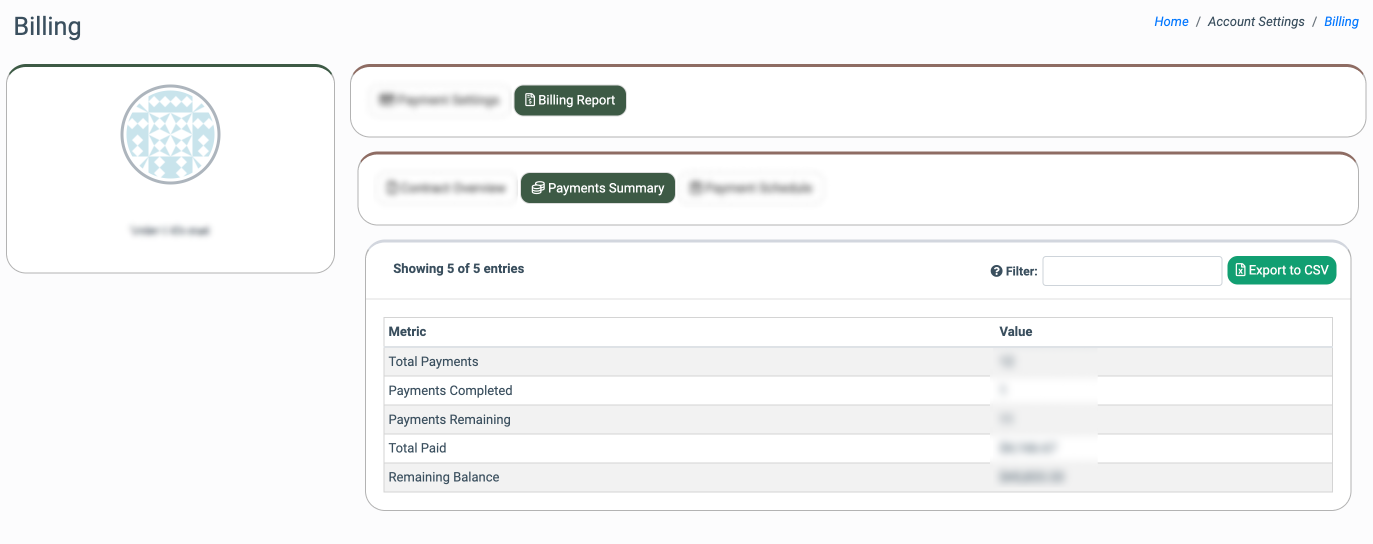
The report contains the following information:
- Metric: The name of the metric that represents the summary information about the payments. The following information is available:
- Total Payments: The total number of payments considered according to the contract.
- Payments Completed: The total number of already completed and processed payment transactions.
- Payments Remaining: The total number of payments that are remaining according to the contract conditions.
- Total Paid: The total amount that is currently paid out according to the completed payment transactions.
- Remaining Balance: The amount that is currently remaining on the account balance.
- Value: The particular value or the information about the payments summary.
To export the payment summary details to a CSV file, click the “Export to CSV” button.
Payment Schedule
The “Payment Schedule” tab contains the information about the corresponding payment transactions that are considered according to the contract conditions, along with the breakdown of payments according to the contract conditions. This allows you to view the schedule for the payment transaction processing.
The information about each payment transaction contains the payment number (ID), payment amount, due date, and payment date, along with the current status of the transaction.
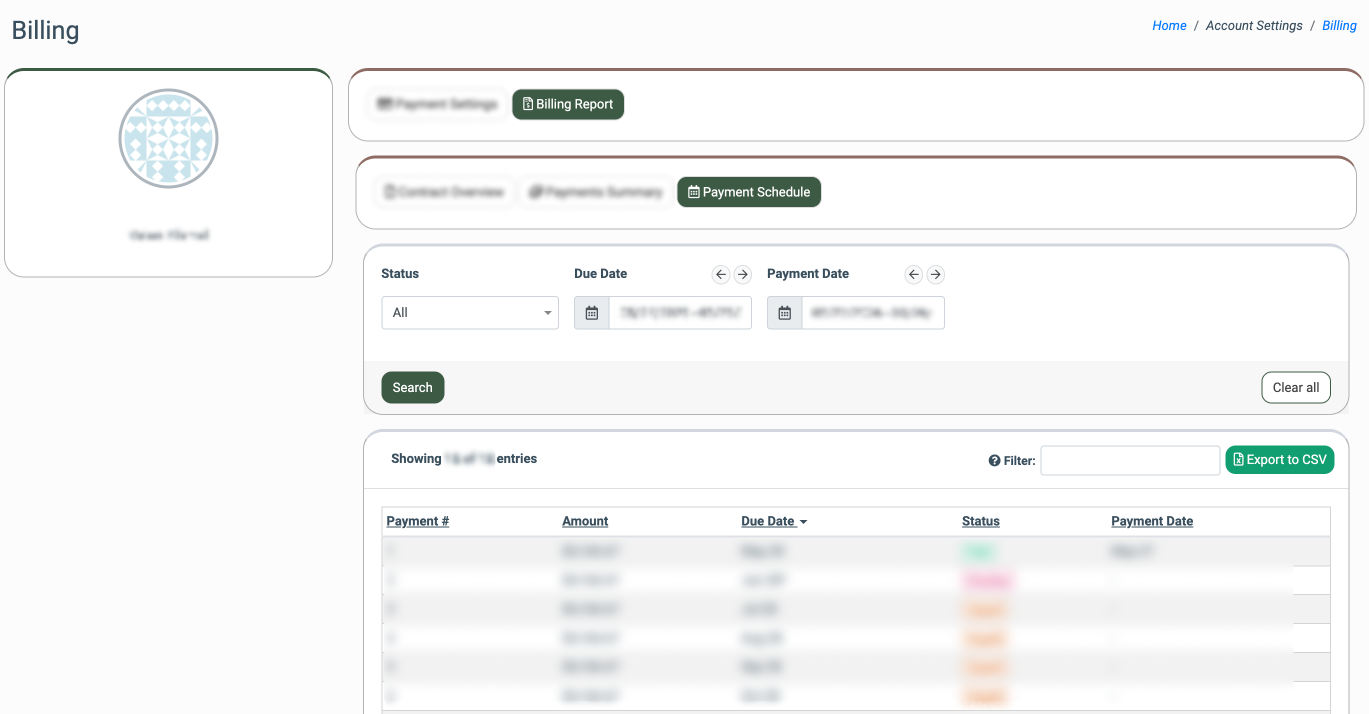
You can narrow down the search results by using the following filters:
- Status: Select the current status of the payment transaction (All, Paid, Unpaid, Overdue).
- Due Date: Select the due date for the payment transaction.
- Payment Date: Select the date when the payment transaction was processed and completed. Note: This option is available only for payments with the “Paid” status.
The report contains the following information:
- Payment #: The unique number of the particular payment transaction.
- Amount: The amount that is considered to be paid according to the payment transaction.
- Due Date: The due date for the payment transaction.
- Status: The current status of the payment transaction.
- Payment Date: The date when the payment transaction was made and completed.
To export the payment transaction details to a CSV file, click the “Export to CSV” button.