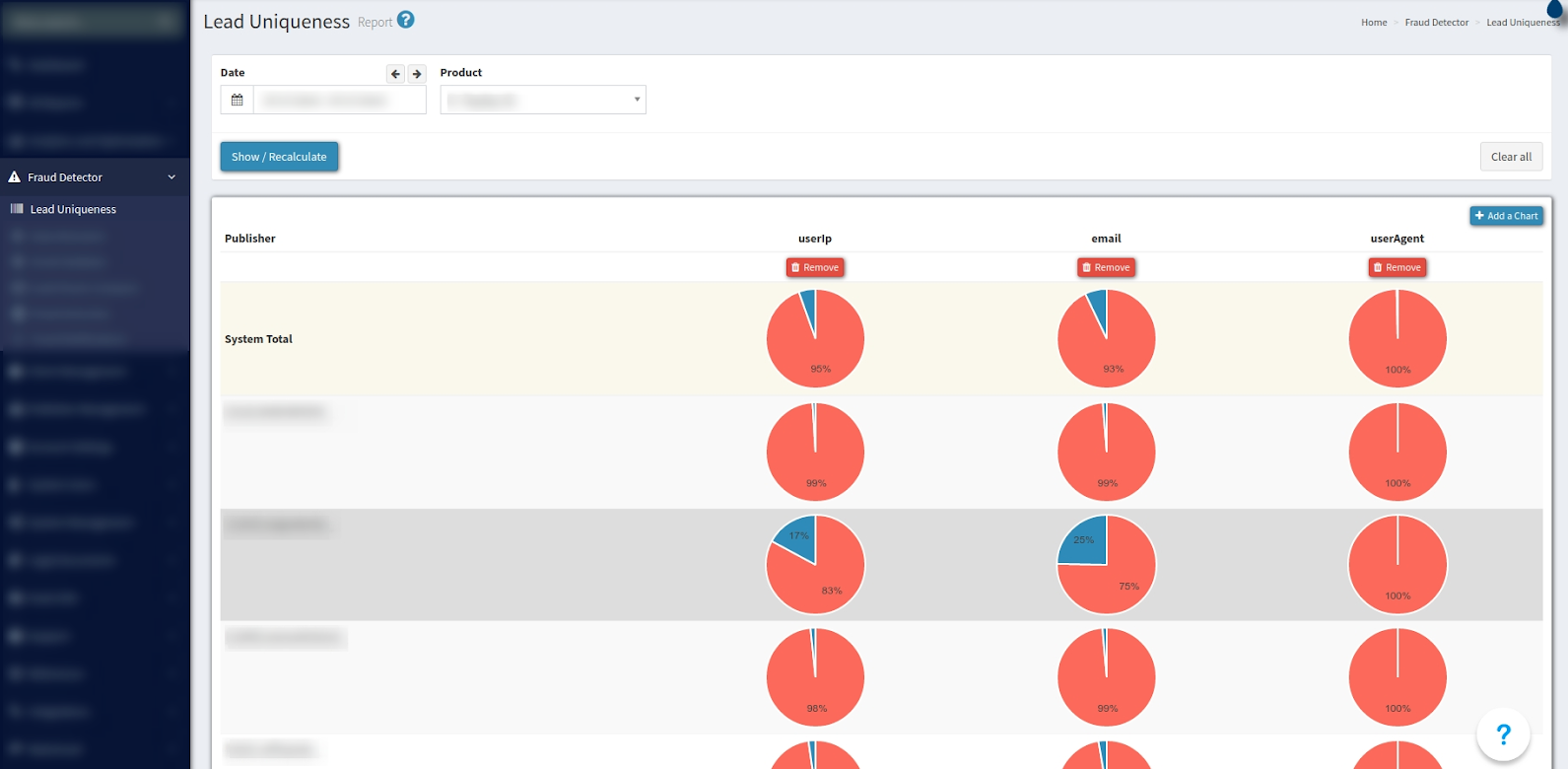
Report with graphic data of Lead Uniqueness sorted by Publisher. The report contains UserIP, Email, and UserAgent diagrams.
To view the report, go to the Fraud Detector > Lead Uniqueness section.
To generate a detail report use the next filter fields:
-
Data;
-
Product;
The following data is shown in the reports table:
-
Publisher;
-
userIp;
-
Email;
-
userAgent;
The first row of a table shows the system’s total comparison between unique and duplicate leads.
Diagrams show the ratio between unique and duplicate leads. To view detailed information about uniqueness - move your mouse over the diagram to view the pop-up window.
To view detailed information about the publisher, press the arrow icon next to the name of the publisher.