
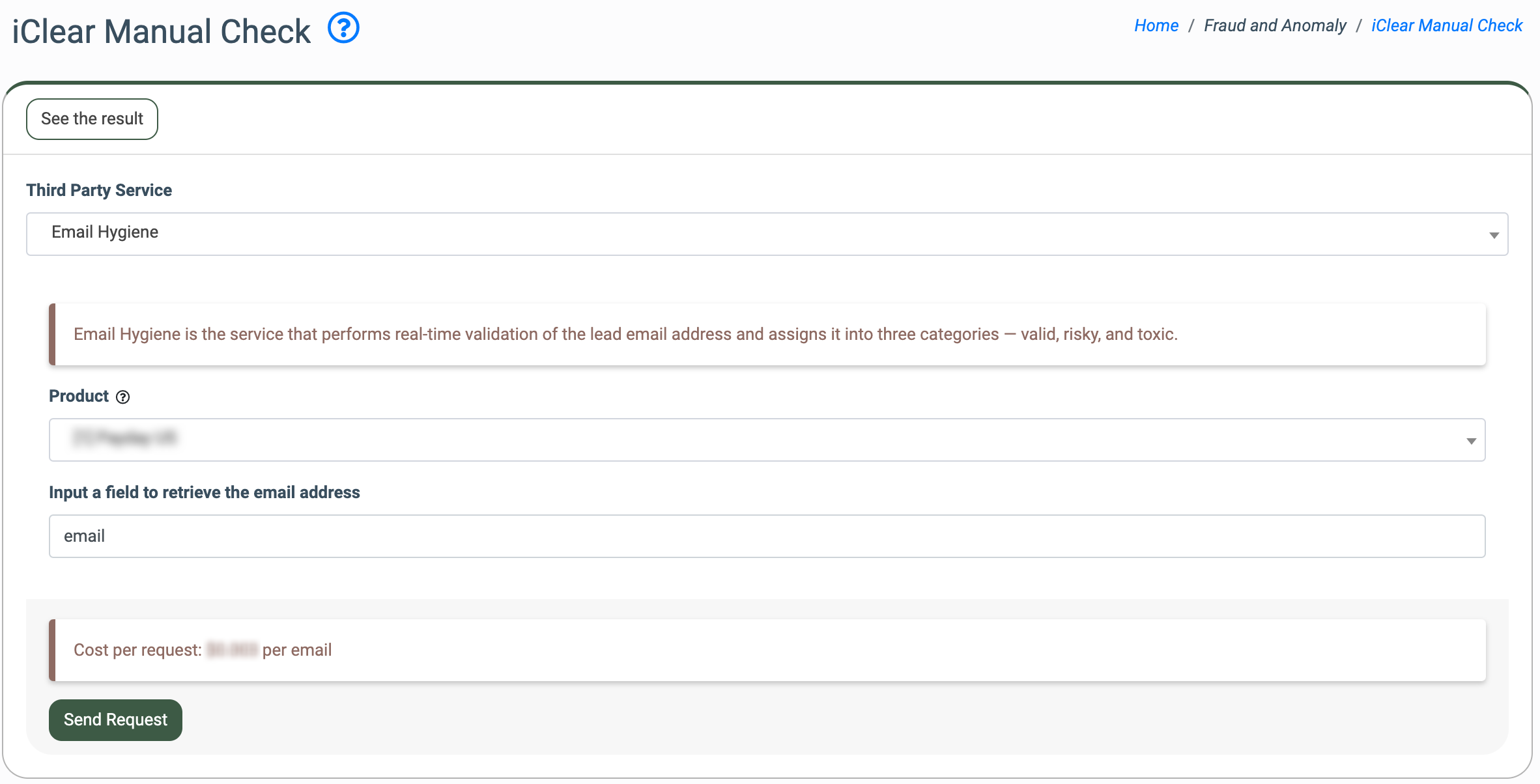
To create a manual request, go to the Fraud and Anomaly > iClear Manual Check section and select the third-party service from the “Third Party Service” list.

Then select the Product from the “Product” list and enter the data you want to check into the provided input fields. Click the “Send Request” button to process the request.
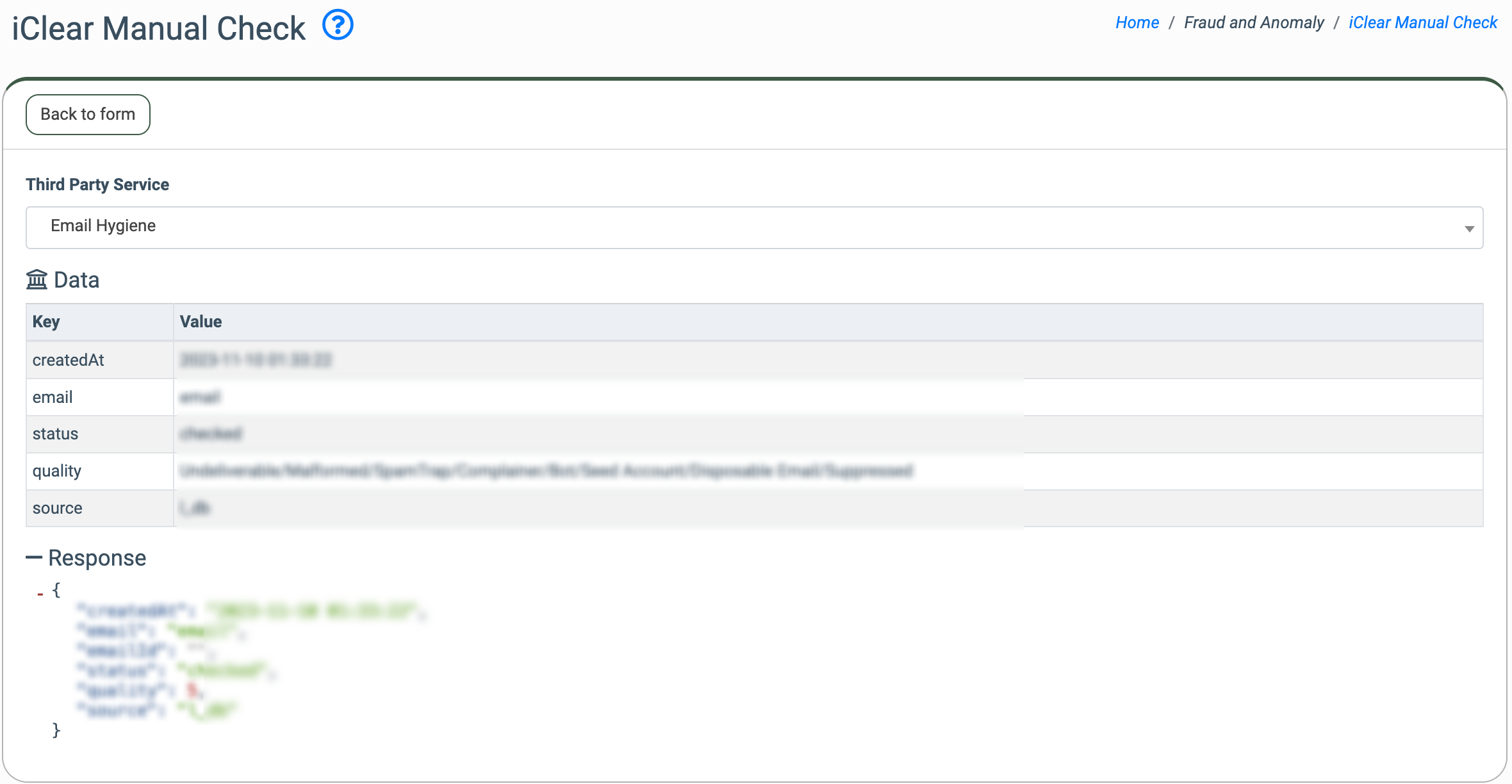
To go back to the page for the request creation, click the “Back to form” button.
To view the list of manual requests, go to the All Reports > Extras > iClear Manual Check Log section.
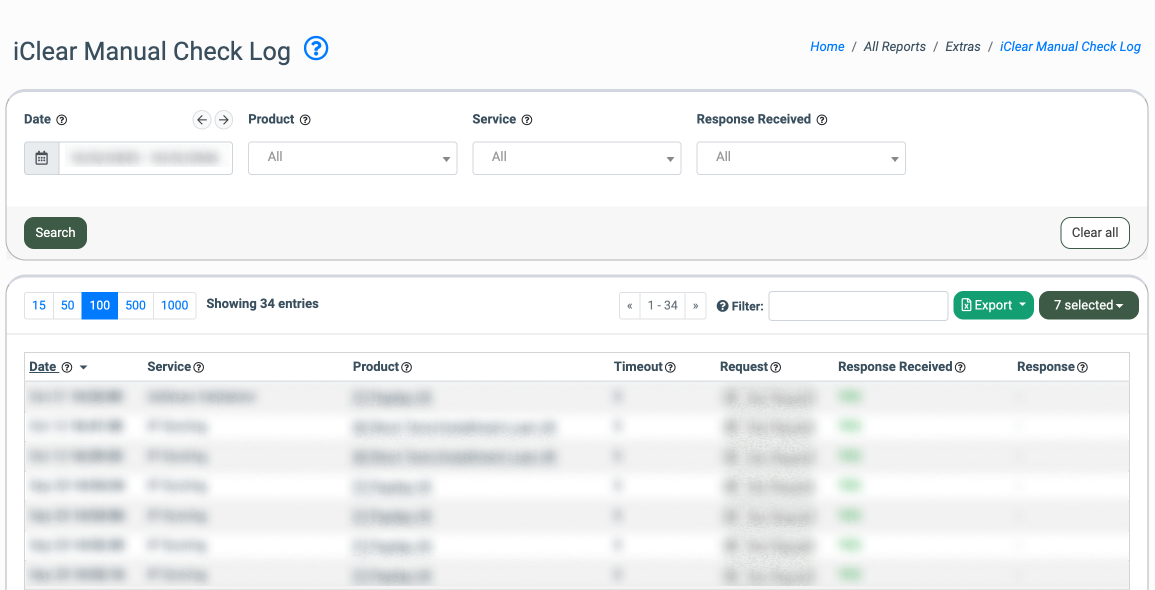
Read more about the iClear Manual Check Log in the Knowledge Base article.